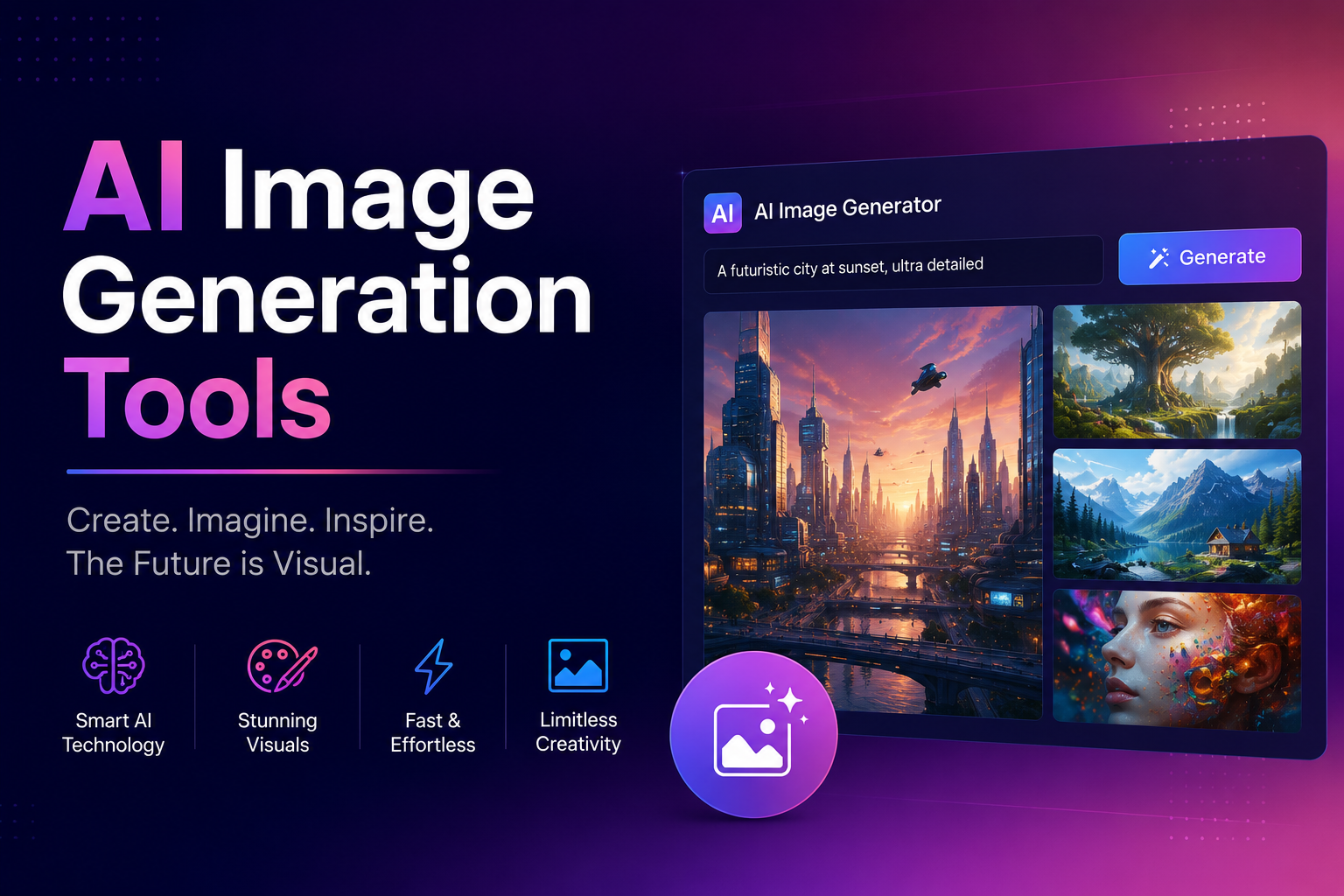
The digital landscape is rapidly evolving, and at the forefront of this transformation is the emergence of powerful Artificial Intelligence (AI) tools. Among the most captivating and accessible of these are AI image generation tools. These innovative platforms are democratizing the creation of stunning visuals, allowing individuals and businesses alike to conjure images from mere text descriptions. Whether you’re a marketer needing eye-catching social media graphics, a writer looking to illustrate your stories, or simply an enthusiast exploring the boundaries of creativity, AI image generators offer a revolutionary new avenue. This guide is designed to be your friendly introduction to this exciting technology, demystifying the process and empowering you to start creating.
What Exactly Are AI Image Generation Tools?
At their core, AI image generation tools are sophisticated algorithms trained on vast datasets of images and their associated text descriptions. These tools learn the intricate relationships between words and visual elements, enabling them to synthesize entirely new images based on the prompts you provide. Think of it like having a highly skilled artist at your beck and call, who can interpret your written ideas and translate them into compelling visuals almost instantly. The underlying technology often involves deep learning models like Generative Adversarial Networks (GANs) or diffusion models, which are adept at understanding and recreating complex patterns found in images.
How Do They Work? The Magic Behind the Pixels
The process of generating an image with AI is surprisingly straightforward for the user, though incredibly complex under the hood. Here’s a simplified breakdown:
- Text Prompt: This is where you come in! You provide a detailed, descriptive text prompt outlining what you want the AI to create. The more specific and descriptive your prompt, the better the AI can understand your vision.
- AI Interpretation: The AI analyzes your text prompt, breaking it down into its constituent elements – objects, styles, colors, moods, and compositions.
- Image Synthesis: Using its learned knowledge from millions of images, the AI begins to generate pixels, iteratively refining them to match your prompt. This often involves a process of starting with random noise and gradually shaping it into a coherent image.
- Output: The result is a unique, AI-generated image that reflects your textual description. Most tools allow for multiple variations and refinements.
Why Are AI Image Generation Tools So Exciting? The Benefits Unveiled
The adoption of AI image generators is soaring due to a multitude of compelling benefits:
- Accessibility: You don’t need to be a professional artist or graphic designer to create high-quality visuals. Anyone with an idea and the ability to type can now produce stunning imagery.
- Speed and Efficiency: Generating multiple image concepts can take minutes, a process that would traditionally take hours or even days for a human artist. This is invaluable for tight deadlines.
- Cost-Effectiveness: Compared to hiring illustrators or photographers for every visual need, AI image generators can significantly reduce creative costs, especially for startups and small businesses.
- Unleashing Creativity: These tools can help overcome creative blocks by providing instant visual interpretations of abstract ideas. They can also generate styles and concepts that might be difficult to articulate or execute manually.
- Customization and Iteration: You have granular control over the output. If the first generation isn’t perfect, you can tweak your prompt, add negative prompts (what you *don’t* want), or adjust parameters to get closer to your desired outcome.
- Variety and Exploration: AI can generate images in virtually any style imaginable, from photorealistic to impressionistic, abstract, or even mimicking the styles of famous artists.
Popular AI Image Generation Tools for Beginners
The market for AI image generators is growing rapidly, with new tools emerging regularly. Here are a few popular and beginner-friendly options to get you started:
- Midjourney: Known for its artistic and often surreal image outputs, Midjourney is accessed through Discord. It’s renowned for its high-quality aesthetic.
- DALL-E 2 (and DALL-E 3): Developed by OpenAI, DALL-E 2 is a powerful and versatile tool that excels at generating realistic images and creative compositions from text prompts. DALL-E 3, integrated with ChatGPT, offers even more nuanced understanding of prompts.
- Stable Diffusion: This is an open-source model, meaning it’s highly customizable and can be run locally on powerful hardware. It offers a lot of control and flexibility, with many user-friendly interfaces built around it (e.g., DreamStudio, AUTOMATIC1111’s Web UI).
- Canva Text to Image: If you’re already a Canva user, their integrated AI image generator is incredibly easy to use and seamlessly fits into your design workflow.
- Adobe Firefly: Integrated into Adobe’s Creative Cloud, Firefly is designed with commercial use in mind, focusing on ethical AI development and content authenticity.
Tips for Crafting Effective AI Image Prompts
The quality of your AI-generated image is heavily dependent on the quality of your text prompt. Here are some tips for writing prompts that yield great results:
- Be Specific: Instead of “a dog,” try “a golden retriever puppy playing fetch in a sunlit park, with vibrant green grass and a blue sky.”
- Include Artistic Styles: Specify the desired aesthetic. Examples: “in the style of Van Gogh,” “cinematic lighting,” “watercolor painting,” “cyberpunk aesthetic.”
- Describe the Mood and Atmosphere: Use adjectives that convey emotion. “a cozy, warm library,” “an eerie, foggy forest,” “a cheerful, vibrant city street.”
- Mention Camera Angles and Lighting: “close-up shot,” “wide-angle view,” “golden hour lighting,” “dramatic shadows.”
- Use Keywords for Detail: “highly detailed,” “intricate,” “photorealistic,” “8k resolution.”
- Experiment with Negative Prompts: Most tools allow you to specify what you *don’t* want in the image. For example, if you’re generating a landscape and don’t want any buildings, you can add “–no buildings” or similar.
The Future of AI Image Generation
AI image generation is not just a fleeting trend; it’s a foundational shift in how we create and interact with visual content. As the technology continues to advance, we can expect even more realistic, controllable, and personalized image generation. These tools will likely become even more integrated into existing creative workflows and expand into new applications, from virtual reality environments to personalized storytelling. The ethical implications, such as copyright and the potential for misuse, are also areas of ongoing discussion and development, ensuring responsible innovation.
Conclusion: Your Creative Journey Starts Now
AI image generation tools are opening up a universe of creative possibilities for everyone. They empower individuals to bring their ideas to life visually, break down barriers to entry in creative fields, and accelerate the design process. By understanding the basics of how these tools work and by honing your prompt-writing skills, you can unlock a powerful new dimension of your creativity. So, dive in, experiment with different tools and prompts, and discover the incredible images you can generate. The future of visual creation is here, and it’s more accessible than ever before.
Frequently Asked Questions (FAQ)
- Is AI image generation free? Many tools offer free trials or limited free usage. Some have subscription models for full access and advanced features.
- Can I use AI-generated images commercially? This depends on the specific tool’s terms of service. Some, like Adobe Firefly, are designed with commercial use in mind, while others might have restrictions. Always check the licensing.
- How do I get started if I have no design experience? Start with user-friendly platforms like Canva’s Text to Image or explore the guided interfaces of DALL-E 2 or Midjourney. Focus on descriptive prompts.
- Will AI replace human artists? While AI tools can assist and augment human creativity, they are unlikely to completely replace the nuanced skill, intent, and emotional depth that human artists bring to their work.
- What if the AI doesn’t generate what I expect? This is a common part of the process! Refine your prompt, add more details, try different keywords, or use negative prompts to steer the AI closer to your vision.
Recent Comments