
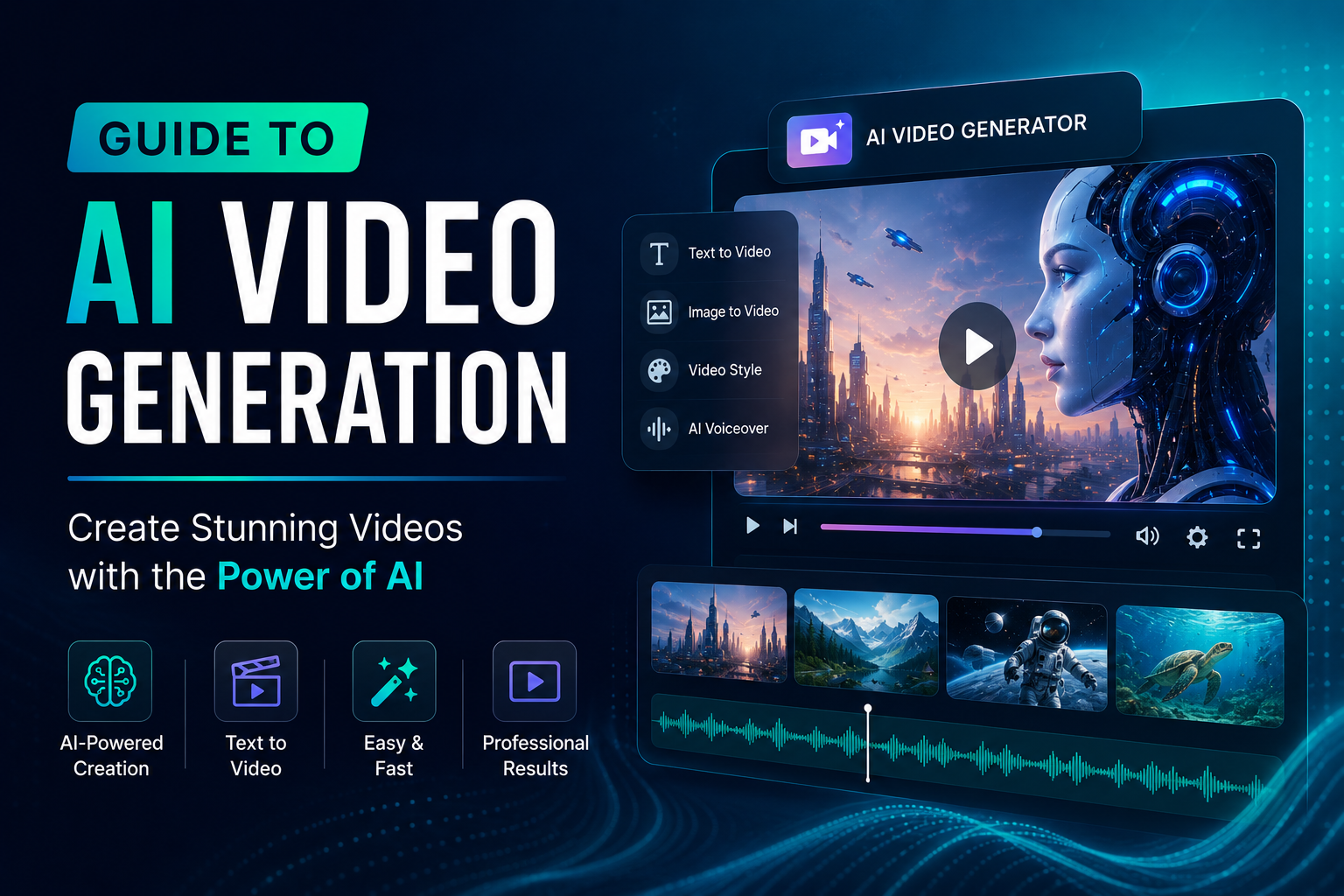
The world of digital content creation is evolving at an unprecedented pace, and at the forefront of this revolution is Artificial Intelligence (AI). While AI has already made significant inroads into text and image generation, its capabilities in video production are now exploding, opening up a universe of creative possibilities for everyone. Whether you’re a marketer, a small business owner, an educator, or simply someone with a story to tell, AI video generation is poised to transform how you create and share your vision.
But what exactly is AI video generation? And how can you, a beginner, leverage this powerful technology? This comprehensive guide is designed to demystify AI video generation, break down its core concepts, and provide you with the knowledge and confidence to start creating your own captivating videos.
What is AI Video Generation?
At its core, AI video generation is the process of using artificial intelligence algorithms to create video content. This can range from generating short animated clips from text prompts to creating realistic footage from scratch. Unlike traditional video editing, which requires manual input for every frame, AI video generators can interpret complex instructions and synthesize visuals, motion, and even audio, often with minimal human intervention.
Think of it as having a super-powered digital director and animator at your fingertips. You provide the creative brief, and the AI brings it to life. This technology is rapidly advancing, with tools becoming more intuitive and the output becoming increasingly sophisticated.
How Does AI Video Generation Work?
The magic behind AI video generation lies in sophisticated machine learning models, particularly deep learning techniques. Here’s a simplified breakdown of the common approaches:
- Generative Adversarial Networks (GANs): GANs involve two neural networks, a generator and a discriminator, working in tandem. The generator creates new video frames, and the discriminator tries to distinguish between real and AI-generated frames. Through this adversarial process, the generator learns to produce increasingly realistic and coherent video content.
- Diffusion Models: These models start with random noise and gradually refine it, adding detail and structure over multiple steps to create a clear video. They are known for their ability to generate high-quality and diverse visual outputs.
- Transformer Models: Similar to those used in natural language processing, transformer models can understand sequential data and relationships. In video generation, they can predict future frames based on past frames and context, ensuring smooth transitions and narrative flow.
- Text-to-Video Models: This is perhaps the most accessible form of AI video generation for beginners. You provide a textual description of the scene, characters, and actions you want, and the AI interprets this prompt to create a corresponding video.
The process typically involves large datasets of existing videos and images used to train these models. The AI learns patterns, styles, and how to represent abstract concepts visually.
Why Should You Consider AI Video Generation? The Benefits
The adoption of AI video generation is surging for a multitude of compelling reasons. For individuals and businesses alike, the advantages are significant:
- Speed and Efficiency: Traditional video production can be time-consuming and resource-intensive. AI can generate videos in minutes or hours, dramatically accelerating content creation workflows.
- Cost-Effectiveness: Hiring professional videographers, actors, and animators can be expensive. AI tools offer a more budget-friendly alternative for producing high-quality video content.
- Accessibility for Beginners: You don’t need to be a seasoned video editor or animator to create impressive videos. Many AI platforms are designed with user-friendly interfaces, making them accessible to users with little to no prior experience.
- Enhanced Creativity and Novelty: AI can generate unique visuals and scenarios that might be difficult or impossible to achieve with traditional methods. It allows for experimentation and the creation of truly original content.
- Scalability: Need to produce multiple video variations for different platforms or audiences? AI can scale up production quickly and efficiently.
- Personalization: AI can help create personalized video messages or marketing content tailored to specific viewers, leading to higher engagement.
- Overcoming Creative Blocks: When inspiration strikes but execution feels daunting, AI can provide a starting point or even a complete draft, helping to overcome creative hurdles.
Getting Started with AI Video Generation: A Step-by-Step Approach
Embarking on your AI video generation journey is more straightforward than you might think. Here’s a practical guide:
Step 1: Define Your Goal and Concept
Before you even touch an AI tool, clarify what you want to achieve with your video.
- What is the message?
- Who is your target audience?
- What is the desired tone and style?
- What is the purpose of the video (e.g., marketing, education, entertainment)?
Having a clear vision will guide your prompts and help you select the right AI tool.
Step 2: Choose Your AI Video Generation Tool
The landscape of AI video generators is rapidly expanding. Here are a few popular categories and examples to consider (note: specific features and pricing can change):
- Text-to-Video Platforms: These are excellent for beginners. You describe what you want, and the AI generates it. Examples include Sora (OpenAI – currently in preview), RunwayML, Pictory, Synthesys.
- AI-Powered Editing Tools: These tools often integrate AI features to automate editing tasks, add effects, or generate background music. Examples include Adobe Premiere Pro (with AI features), Descript.
- Avatar/Presenter Generators: Ideal for explainer videos or corporate communications, these platforms allow you to create AI presenters who speak your script. Examples include Synthesys, HeyGen.
Recommendation for Beginners: Start with a text-to-video platform that offers a free trial or a generous free tier. This will allow you to experiment without significant investment.
Step 3: Craft Your Prompts
This is where your creativity truly shines. For text-to-video tools, your prompt is the primary instruction. The more descriptive and specific you are, the better the results. Consider:
- Visuals: Describe the setting, characters (appearance, actions), objects, colors, and overall aesthetic.
- Actions: Detail what the characters or objects should be doing.
- Mood and Tone: Specify the emotional feel of the video (e.g., cheerful, dramatic, futuristic).
- Style: Request a particular artistic style (e.g., photorealistic, cartoon, cinematic).
- Camera Angles and Movement: Some advanced tools allow you to specify camera shots.
Step 4: Generate and Iterate
Input your prompt into the AI tool and let it work its magic. Don’t expect perfection on the first try. You’ll likely need to:
- Review the generated video: Does it match your vision?
- Refine your prompts: If the output isn’t quite right, adjust your prompt with more detail or different keywords.
- Experiment with settings: Most tools offer parameters you can tweak, such as aspect ratio, resolution, and style variations.
- Generate multiple versions: AI can often produce several options from the same prompt.
Step 5: Edit and Enhance (Optional but Recommended)
While AI can generate a complete video, you might want to refine it further using traditional video editing software or AI-powered editing tools. This could involve:
- Adding voiceovers or music.
- Overlaying text or graphics.
- Trimming or rearranging clips.
- Adjusting color grading.
- Adding sound effects.
This step allows you to add your personal touch and ensure the final video perfectly aligns with your objectives.
Step 6: Export and Share
Once you’re satisfied, export your video in your desired format and resolution. Then, share it with your audience on social media, your website, or wherever it will have the most impact.
The Future of AI Video Generation
The advancements in AI video generation are accelerating. We can expect to see:
- Even greater realism and coherence.
- More intuitive and sophisticated control over generated content.
- Seamless integration of AI-generated video into existing creative workflows.
- New forms of interactive and personalized video experiences.
- Ethical considerations and guardrails becoming more robust.
AI video generation is not about replacing human creativity but augmenting it. It’s a powerful new tool that empowers creators of all levels to bring their ideas to life with unprecedented ease and speed.
Frequently Asked Questions (FAQ)
Can I use AI-generated videos for commercial purposes?
This depends on the specific AI video generation tool’s terms of service. Many platforms allow commercial use, but it’s crucial to check their licensing agreements before using generated content for business. Some may require specific attribution or have restrictions.
What are the main limitations of current AI video generators?
While impressive, current AI video generators can sometimes struggle with logical consistency over longer durations, precise control over intricate actions, generating realistic human emotions, and avoiding repetitive patterns. The output might also require post-editing for polish.
Do I need powerful hardware to use AI video generators?
Most AI video generation tools are cloud-based. This means the heavy processing is done on the provider’s servers, so you typically only need a stable internet connection and a standard computer or device to access and control them. You won’t need a high-end graphics card for the generation process itself, though you might for local editing.
How can AI video generation help my small business?
For small businesses, AI video generation can be a game-changer for marketing. You can create engaging product demos, explainer videos for services, social media advertisements, and customer testimonials without a large budget. This helps to increase brand visibility, explain offerings clearly, and connect with your audience on a more dynamic level.
Is AI video generation ethical?
The ethical implications are a significant discussion point. Concerns include the potential for misuse (e.g., deepfakes), copyright issues with training data, and the impact on jobs in the traditional media industry. Responsible AI development and usage, along with clear guidelines and regulations, are crucial for navigating these ethical challenges.
Conclusion
AI video generation is no longer a futuristic concept; it’s a present-day reality that is democratizing video creation. For beginners, it offers an accessible entry point into producing visually compelling content. By understanding the basics, choosing the right tools, and embracing the iterative process of prompt crafting and refinement, you can harness the power of AI to bring your creative visions to life. So, dive in, experiment, and get ready to unlock a new dimension of storytelling and communication.
Recent Comments