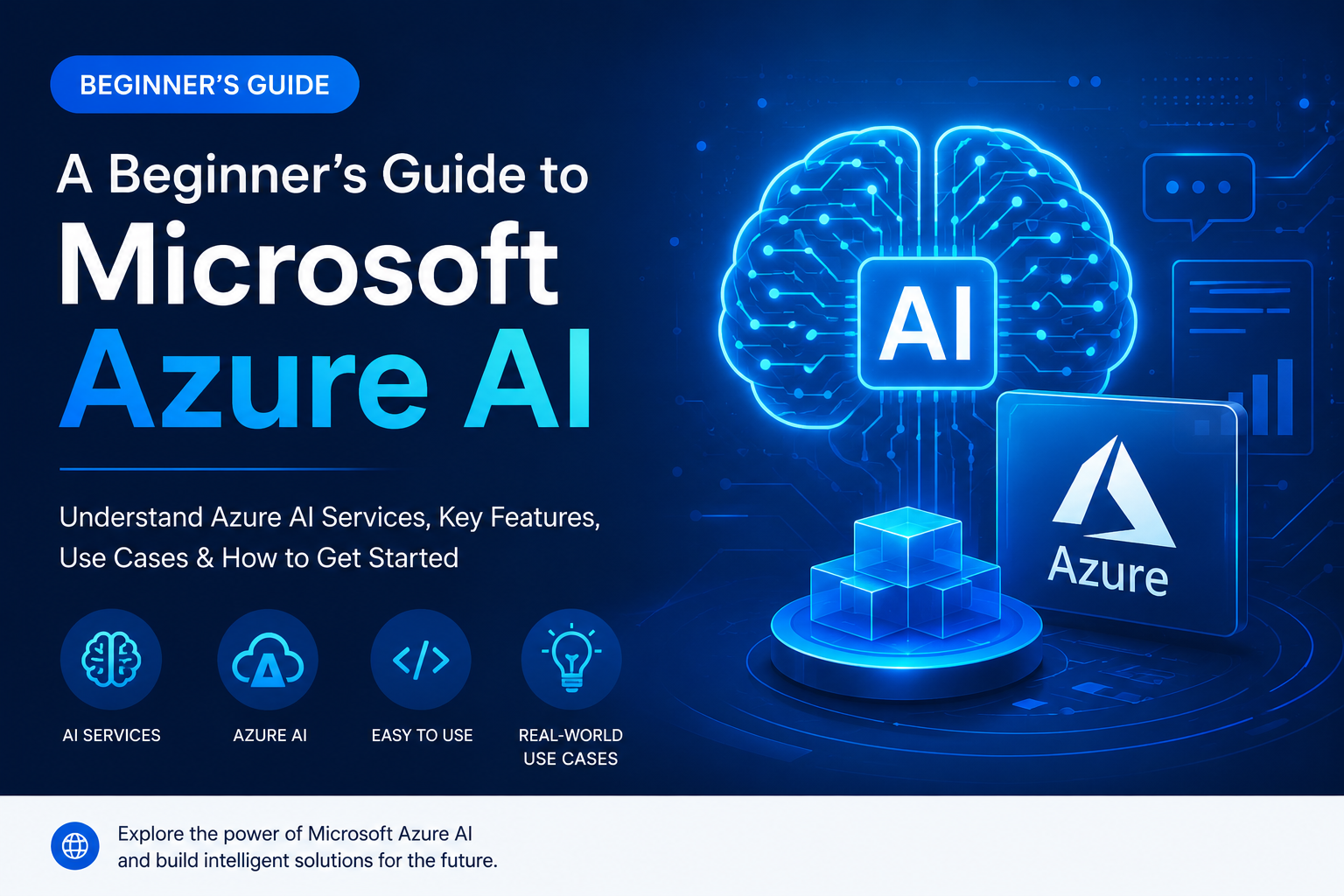
The buzz around Artificial Intelligence (AI) is undeniable. From personalized recommendations to self-driving cars, AI is rapidly reshaping our world. But for many businesses, the question isn’t if AI will impact them, but how and when. This is where Microsoft Azure AI steps in. Azure AI offers a comprehensive suite of tools and services designed to democratize AI, making it accessible and practical for businesses of all sizes. If you’re new to the world of AI and wondering how it can benefit your organization, this beginner-friendly guide to Microsoft Azure AI is your starting point.
What is Microsoft Azure AI?
At its core, Microsoft Azure AI is a cloud-based platform that provides a wide range of AI capabilities. It’s not a single product, but rather a collection of services, tools, and frameworks that enable developers and businesses to build, deploy, and manage intelligent applications. Think of it as a powerful toolbox that equips you with the building blocks to infuse AI into your existing workflows or create entirely new AI-powered solutions.
Azure AI leverages Microsoft’s extensive research and development in AI, machine learning, and cognitive services. It’s designed to be scalable, secure, and integrated with other Azure services, offering a seamless experience for cloud-native development. Whether you’re looking to automate tasks, gain deeper insights from your data, or enhance customer experiences, Azure AI has a solution.
Why Choose Microsoft Azure AI for Your Business?
In a competitive landscape, adopting AI can provide a significant edge. Azure AI offers several compelling advantages for businesses:
- Accessibility and Ease of Use: Azure AI services are designed with developers and even non-developers in mind. Many services offer intuitive interfaces and pre-built models, reducing the complexity of AI implementation.
- Scalability and Flexibility: As your business grows and your AI needs evolve, Azure AI can scale effortlessly. You can start small and expand your AI capabilities without significant upfront infrastructure investments.
- Comprehensive Suite of Services: Azure AI offers a broad spectrum of services, from machine learning platforms to pre-trained cognitive APIs, catering to diverse AI needs.
- Integration with Microsoft Ecosystem: If your business already uses Microsoft products like Microsoft 365 or Dynamics 365, Azure AI integrates seamlessly, enabling you to enhance your existing tools with intelligent features.
- Security and Compliance: Microsoft places a strong emphasis on security and compliance. Azure AI services adhere to rigorous security standards, ensuring your data and applications are protected.
- Cost-Effectiveness: The pay-as-you-go model of cloud services means you only pay for what you use, making AI adoption more financially viable.
Key Microsoft Azure AI Services for Beginners
Azure AI is a vast ecosystem. To get started, it’s helpful to understand some of its core service categories:
1. Azure Machine Learning
This is arguably the heart of Azure AI for custom AI development. Azure Machine Learning is a cloud-based environment that you can use to train, deploy, manage, and track machine learning models. It caters to all skill levels:
- Designer: A drag-and-drop visual interface that allows you to build and train machine learning models without writing code. This is fantastic for beginners who want to experiment with ML concepts.
- Automated ML (AutoML): This feature automatically iterates through different algorithms and hyperparameters to find the best model for your data, significantly speeding up the model selection process.
- Notebooks: For those comfortable with coding (Python, R), Azure ML provides integrated notebooks for more advanced model development and customization.
- MLOps: Azure ML also supports MLOps (Machine Learning Operations), which are practices for deploying and maintaining machine learning models in production reliably and efficiently.
Use Cases: Predictive maintenance, customer churn prediction, sales forecasting, fraud detection.
2. Azure Cognitive Services
These are pre-trained AI models that developers can use through APIs to add intelligent capabilities to their applications. They’re a great way to quickly integrate AI without deep ML expertise. Cognitive Services are broadly categorized into:
- Vision:
- Computer Vision: Analyzes images and videos to extract information like objects, faces, brands, and text. Think of automatically tagging photos or understanding content within images.
- Face: Detects and analyzes human faces, recognizing emotions, identifying individuals, and verifying identities.
- Custom Vision: Allows you to train your own image classification and object detection models using your specific data, going beyond general-purpose vision models.
- Speech:
- Speech to Text: Converts spoken audio into written text, enabling transcription services or voice-controlled applications.
- Text to Speech: Converts written text into natural-sounding speech, perfect for virtual assistants or accessibility features.
- Speech Translation: Translates spoken audio from one language to another in real-time.
- Language:
- Text Analytics: Extracts key information from text, such as sentiment analysis (is the text positive or negative?), key phrase extraction, named entity recognition (identifying people, places, organizations), and language detection.
- Translator: Translates text between numerous languages.
- Language Understanding (LUIS): Builds custom natural language understanding models to interpret user intents and extract entities from their speech or text. This is crucial for building conversational AI experiences.
- Decision:
- Anomalies Detector: Identifies unusual patterns or outliers in time-series data, useful for detecting anomalies in sensor readings or transaction logs.
- Content Moderator: Detects potentially offensive or undesirable content in text, images, and videos.
- Search:
- Bing Search APIs: Accesses web search results to enhance applications with real-time information from the internet.
Use Cases: Chatbots, content moderation, accessibility tools, sentiment analysis of customer feedback, automating document processing.
3. Azure Bot Service
This service provides an end-to-end platform for building, connecting, testing, and deploying intelligent bots. Bots can interact with users through natural language, making them ideal for customer service, information retrieval, and task automation.
Azure Bot Service integrates with LUIS for natural language understanding and can be deployed across various channels like websites, Microsoft Teams, Slack, and Facebook Messenger. It’s a powerful way to automate repetitive interactions and provide instant support.
Use Cases: Customer support chatbots, internal HR bots, appointment booking bots, FAQ bots.
4. Azure Applied AI Services
These are pre-built AI solutions that offer more specialized functionality. They are designed for common business problems and often require less customization than building from scratch with Azure Machine Learning.
- Form Recognizer: Extracts text, key-value pairs, and table data from documents like invoices, receipts, and forms. It uses AI to understand the structure and content of documents, automating data entry.
- Video Analyzer for Media: Extracts insights from video, such as transcription, translation, and visual content analysis.
- Text Analytics for Health: A specialized version of Text Analytics for extracting and analyzing medical information from unstructured clinical text.
Use Cases: Automating invoice processing, analyzing customer service calls, extracting data from medical records.
Practical Applications of Azure AI in Business
The potential applications of Azure AI are vast and can impact almost every aspect of a business:
Customer Service and Experience
Chatbots: Deploy intelligent chatbots using Azure Bot Service and LUIS to handle customer queries 24/7, answer FAQs, and even assist with simple transactions. This frees up human agents for more complex issues.
Sentiment Analysis: Use Azure Text Analytics to gauge customer sentiment from reviews, social media, and support tickets. This helps identify areas of improvement and understand customer satisfaction levels.
Personalization: Azure Machine Learning can be used to build recommendation engines that suggest products or content tailored to individual customer preferences, enhancing engagement and driving sales.
Operations and Efficiency
Document Processing: Automate the extraction of data from invoices, forms, and other documents using Azure Form Recognizer, significantly reducing manual data entry and errors.
Predictive Maintenance: Implement machine learning models to predict equipment failures before they happen, allowing for proactive maintenance and minimizing downtime.
Supply Chain Optimization: Use AI to forecast demand more accurately, optimize inventory levels, and improve logistics, leading to cost savings and increased efficiency.
Data Analysis and Insights
Anomaly Detection: Identify unusual patterns in your data that could indicate fraud, system errors, or emerging trends using Azure Anomalies Detector.
Business Intelligence Enhancement: Integrate AI capabilities into your business intelligence platforms to uncover deeper insights from your data, helping you make more informed decisions.
Employee Productivity
Internal Bots: Create bots that help employees access information, submit requests, or automate routine tasks, improving overall productivity.
Accessibility Tools: Leverage Speech to Text and Text to Speech services to make information and communication more accessible to employees with disabilities.
Getting Started with Azure AI
Embarking on your Azure AI journey can seem daunting, but Microsoft provides resources to make it manageable:
- Start with the Azure Free Account: Microsoft offers a free Azure account that provides a certain amount of credit and access to many services, including some AI services, for a limited time. This is an excellent way to experiment without commitment.
- Explore Azure Cognitive Services First: For quick wins and immediate impact, start with Cognitive Services. They offer a low barrier to entry and can demonstrate the power of AI rapidly.
- Utilize Tutorials and Documentation: Microsoft’s official documentation and extensive tutorials are invaluable. They offer step-by-step guides, code samples, and best practices.
- Leverage Azure Machine Learning Designer: If you want to explore custom ML models, start with the Designer. It’s a visual, no-code/low-code approach that makes model building accessible.
- Identify a Specific Business Problem: Don’t try to implement AI everywhere at once. Identify a clear business challenge that AI can solve and focus your efforts there. This will provide tangible results and a clear ROI.
- Consider Training: Microsoft Learn offers a wealth of free online courses and certifications related to Azure AI. Investing in training can accelerate your team’s adoption and expertise.
The Future is Intelligent with Azure AI
Microsoft Azure AI is more than just a collection of services; it’s a strategic enabler for businesses looking to innovate, optimize, and grow in the digital age. By providing accessible, scalable, and powerful AI tools, Azure empowers organizations to harness the transformative potential of artificial intelligence. Whether you’re looking to automate mundane tasks, gain deeper customer insights, or create entirely new intelligent products and services, Azure AI offers a clear pathway forward.
As AI continues its rapid evolution, staying ahead means embracing the tools that make it accessible. Microsoft Azure AI is a prime example of this democratization, putting the power of advanced intelligence into the hands of businesses ready to unlock their future.
Frequently Asked Questions (FAQ)
Q1: Do I need to be a data scientist or AI expert to use Azure AI?
A1: Not necessarily. Azure AI offers a range of services for different skill levels. Cognitive Services and Azure ML Designer are designed for users with minimal AI expertise, while Azure Machine Learning provides a platform for seasoned data scientists.
Q2: What are the costs associated with Azure AI services?
A2: Most Azure AI services are priced on a pay-as-you-go basis, meaning you pay for what you consume (e.g., number of transactions, data processed, compute hours). Microsoft provides detailed pricing information for each service on its website.
Q3: How secure is my data when using Azure AI?
A3: Microsoft Azure is built with robust security measures. Your data is encrypted, and you maintain control over its access. Azure AI services adhere to strict compliance standards.
Q4: Can I use Azure AI for on-premises solutions?
A4: While Azure AI is primarily a cloud service, some Azure AI services have hybrid capabilities or can be deployed on-premises using Azure Arc, allowing for greater flexibility.
Q5: What is the difference between Azure Machine Learning and Azure Cognitive Services?
A5: Azure Cognitive Services provide pre-trained AI models for common tasks (vision, speech, language), accessible via APIs. Azure Machine Learning is a comprehensive platform for building, training, and deploying custom machine learning models from scratch or by fine-tuning existing ones.
Recent Comments