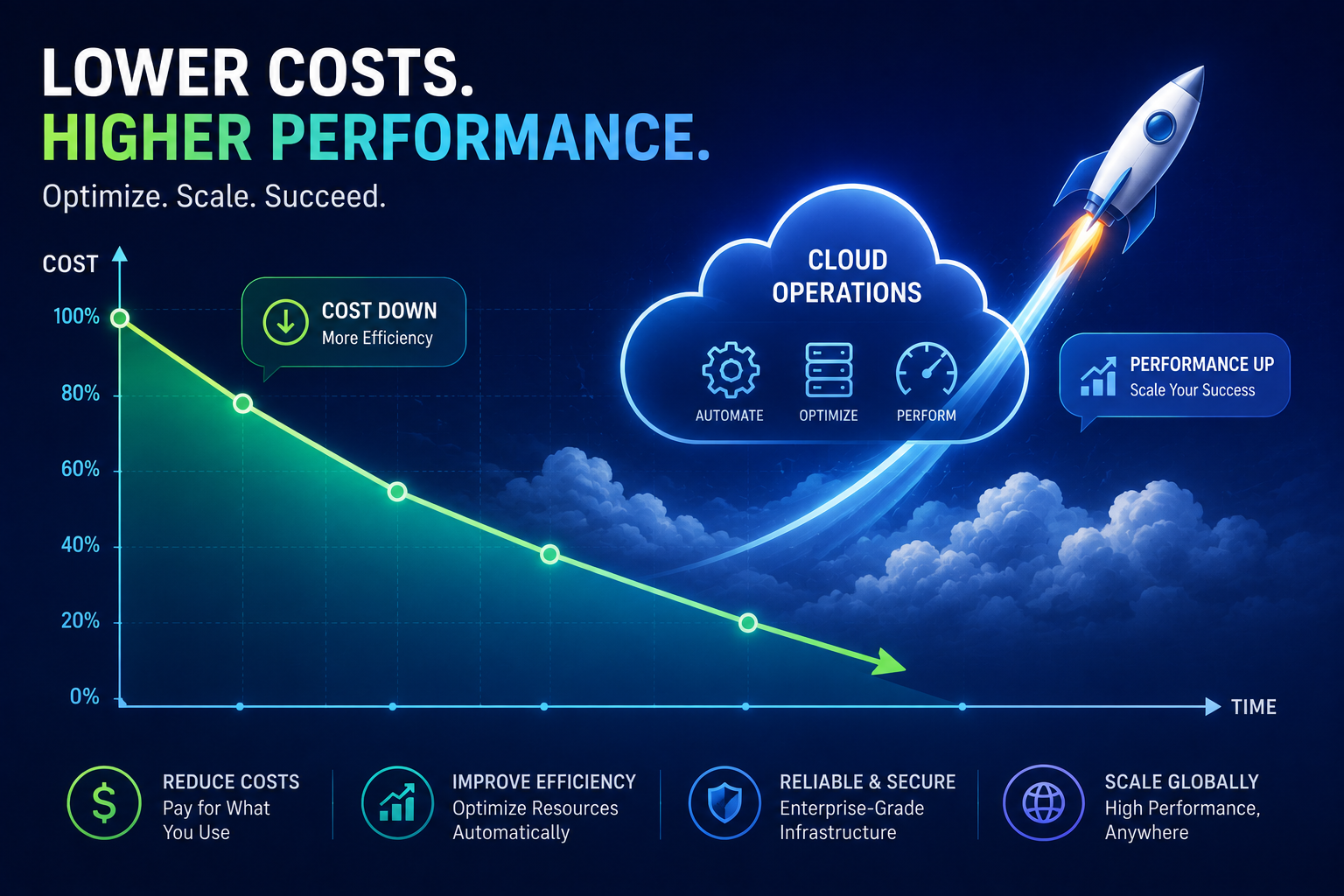
Slash Your AWS Bill: The Ultimate Guide to Cost Reduction Without Performance Sacrifice
Amazon Web Services (AWS) offers unparalleled scalability, flexibility, and a vast array of services that power businesses of all sizes. However, as your AWS footprint grows, so too can your monthly bill. The good news is that significant cost savings are achievable without sacrificing the performance and reliability that your applications depend on. This comprehensive guide is designed for both beginners and seasoned professionals looking to optimize their AWS spending.
Understanding Your AWS Bill: The First Step to Savings
Before you can effectively reduce AWS costs, you need to understand where your money is going. AWS billing can seem complex, but breaking it down into manageable components is key. Regularly reviewing your AWS Cost Explorer and AWS Budgets is paramount. These tools provide granular insights into your spending across different services, regions, and accounts.
- Cost Explorer: This service allows you to visualize, understand, and manage your AWS costs and usage over time. You can filter by service, region, Linked Account, tag, and more.
- AWS Budgets: Set custom budget thresholds for your usage and costs. You can receive alerts when your costs or usage exceed (or are forecasted to exceed) your budgeted amount.
Identifying the largest cost drivers is the most effective starting point. Is it EC2 instances, S3 storage, RDS databases, or perhaps data transfer fees? Once identified, you can then implement specific strategies to tackle these areas.
Rightsizing Your EC2 Instances: The Low-Hanging Fruit
EC2 instances are often the largest contributors to AWS bills. The concept of rightsizing is fundamental to cost optimization. This means ensuring that your instances are provisioned with the appropriate CPU, memory, storage, and network capacity for the workload they are running. Overprovisioning leads to wasted resources and unnecessary costs.
How to Rightsize Effectively:
- Utilize CloudWatch Metrics: Monitor key EC2 metrics like CPU utilization, network in/out, disk read/write operations, and memory usage (if you have the CloudWatch agent installed).
- Analyze Usage Patterns: Look for instances that consistently show low CPU utilization (e.g., below 20-30%) or idle periods.
- Consider Instance Families: AWS offers a wide range of EC2 instance families optimized for different workloads (e.g., general purpose, compute-optimized, memory-optimized, storage-optimized). Selecting the right family can lead to significant savings.
- Downsize or Change Instance Types: Once you identify overprovisioned instances, downsize them to a smaller instance type or switch to a more cost-effective instance family that meets your performance needs.
- Automate Rightsizing: Tools like AWS Compute Optimizer can analyze your historical usage data and recommend optimal EC2 instance types and sizes.
Remember that rightsizing is not a one-time task. It’s an ongoing process that should be revisited as your application’s demands change.
Leveraging Reserved Instances (RIs) and Savings Plans
For predictable and steady workloads, Reserved Instances (RIs) and Savings Plans offer substantial discounts compared to On-Demand pricing. These commitments require you to reserve capacity for a specified term (1 or 3 years) in exchange for lower rates.
- Reserved Instances (RIs): These provide a significant discount (up to 72%) compared to On-Demand pricing. There are three types: Standard RIs, Convertible RIs, and Scheduled RIs. Standard RIs are best for steady-state usage. Convertible RIs offer flexibility to change instance attributes.
- Savings Plans: Introduced to provide a more flexible discount model, Savings Plans offer lower prices on EC2, Fargate, and Lambda usage in exchange for a commitment to a consistent amount of usage, measured in $USD per hour, for a 1 or 3-year term. There are two types: Compute Savings Plans (offering the most flexibility) and EC2 Instance Savings Plans (providing a deeper discount for specific instance families).
Key considerations for RIs and Savings Plans:
- Predictability: The more predictable your workload, the more effective RIs and Savings Plans will be.
- Commitment Term: Weigh the benefits of a 1-year versus a 3-year commitment. Longer terms offer greater discounts but less flexibility.
- Coverage: Ensure your commitments cover your steady-state usage to maximize savings. Tools like AWS Cost Explorer can help you analyze your usage to make informed decisions.
Harnessing the Power of Spot Instances
For fault-tolerant, stateless, or flexible workloads, AWS Spot Instances can offer savings of up to 90% compared to On-Demand prices. Spot Instances are spare AWS compute capacity that you can bid on. AWS can reclaim these instances with a two-minute warning if they need the capacity back.
When to Use Spot Instances:
- Batch processing jobs
- Big data analytics
- Containerized applications with auto-scaling
- High-performance computing (HPC)
- Testing and development environments
Best practices for Spot Instances:
- Design for interruption: Your application must be able to gracefully handle interruptions.
- Use Spot Fleet or EC2 Fleet: These services can help you manage a collection of Spot Instances and maintain a target capacity by diversifying instance types and Availability Zones.
- Combine with On-Demand: For critical workloads, consider using a mix of On-Demand and Spot Instances to ensure availability.
Optimizing Storage Costs
Storage is another significant area where costs can accumulate. AWS offers various storage services and tiers, each with different pricing models.
Strategies for S3 Cost Optimization:
- S3 Lifecycle Policies: Automate the transition of your data to cheaper storage classes as it ages and becomes less frequently accessed. For example, move data from S3 Standard to S3 Intelligent-Tiering, S3 Standard-Infrequent Access (S3 Standard-IA), or S3 Glacier Deep Archive.
- S3 Intelligent-Tiering: This is an automated storage tiering service that optimizes costs by moving data to the most cost-effective access tier without performance impact.
- Delete Unused Snapshots and Volumes: Regularly review and delete old EBS snapshots and unattached EBS volumes that are no longer needed.
- Compress and Deduplicate Data: Where possible, compress data before storing it in S3 or use services that offer deduplication.
- Monitor Data Transfer Costs: Data transfer out of AWS can be expensive. Evaluate if data can be processed within AWS or if transfer costs can be minimized.
Database Cost Management
Relational Database Service (RDS) and other database services can also contribute significantly to your bill. Optimization strategies include:
- Rightsizing RDS Instances: Similar to EC2, ensure your RDS instances are appropriately sized for your workload. Monitor CPU, memory, and I/O metrics.
- Choosing the Right Storage: Select the most cost-effective storage option for your database needs. For example, provisioned IOPS SSD (io1/io2) is more expensive than General Purpose SSD (gp2/gp3).
- Utilizing Read Replicas Judiciously: Read replicas can improve read performance but incur additional costs. Ensure they are necessary and appropriately sized.
- Automating Backups and Snapshots: While essential, ensure your backup retention policies are aligned with your business needs to avoid unnecessary storage costs.
- Consider Amazon Aurora Serverless: For workloads with intermittent or unpredictable usage, Aurora Serverless can automatically scale your database capacity up and down, so you only pay for what you use.
Network and Data Transfer Costs
Data transfer fees, especially egress traffic (data leaving AWS), can be a hidden cost. Understanding these costs and implementing strategies to mitigate them is crucial.
- Use Content Delivery Networks (CDNs): Amazon CloudFront can cache your content closer to your users, reducing latency and data transfer costs by serving content from edge locations.
- Leverage AWS Network Services: Explore services like AWS Direct Connect for dedicated network connections from your premises to AWS, which can be more cost-effective for high-volume data transfer.
- Optimize Application Architecture: Design your applications to minimize unnecessary data transfers between AWS services or regions.
- Compress Data Before Transfer: Compressing data before sending it out of AWS can significantly reduce transfer volumes and costs.
Monitoring and Automation: The Key to Sustained Savings
Cost optimization is not a one-time project; it’s an ongoing discipline. Implementing robust monitoring and automation practices is essential for maintaining cost efficiency.
- Implement Tagging Strategies: Consistently tag your AWS resources (e.g., by project, team, environment). This allows you to accurately attribute costs and identify spending owners.
- Automate Shutdown of Non-Production Resources: Set up schedules to automatically shut down development, testing, and staging environments outside of business hours.
- Use AWS Trusted Advisor: Trusted Advisor provides recommendations across cost optimization, performance, security, fault tolerance, and service limits. The cost optimization checks can identify idle resources, underutilized instances, and other areas for savings.
- Set Up Alerts: Configure alerts through AWS Budgets and CloudWatch to notify you of unexpected cost spikes or usage patterns.
- Regularly Review and Refine: Schedule regular reviews of your AWS costs and optimization strategies. As your business and application needs evolve, so too should your cost management approach.
Frequently Asked Questions (FAQ)
Q1: What is the most impactful way to start reducing AWS costs?
A1: Start by understanding your current spending with AWS Cost Explorer and then focus on rightsizing your EC2 instances. This often yields the most immediate and significant savings.
Q2: How often should I review my AWS costs for optimization?
A2: It’s recommended to review your AWS costs at least monthly. However, for dynamic environments, weekly reviews can be beneficial.
Q3: Can I use Spot Instances for production workloads?
A3: Yes, but only for fault-tolerant and stateless workloads where interruptions can be gracefully handled. For critical, stateful production applications, On-Demand or Reserved Instances are generally more suitable.
Q4: What is the difference between Reserved Instances and Savings Plans?
A4: Reserved Instances are tied to specific instance families and regions, offering less flexibility. Savings Plans offer a more flexible discount across EC2, Fargate, and Lambda, regardless of instance family or region (for Compute Savings Plans).
Q5: How can I prevent unexpected cost spikes?
A5: Implement robust tagging, set up AWS Budgets with alerts, and regularly monitor your usage. Automating the shutdown of non-production resources is also a proactive measure.
Conclusion
Reducing AWS costs without compromising performance is an achievable goal through a strategic and ongoing approach. By understanding your billing, rightsizing resources, leveraging cost-saving programs like Reserved Instances and Savings Plans, optimizing storage and database usage, and implementing robust monitoring and automation, you can significantly slash your AWS bill. Embrace these practices as a continuous journey to ensure you’re getting the most value from your cloud investment.