10 AWS Security Best Practices Every Developer Must Follow
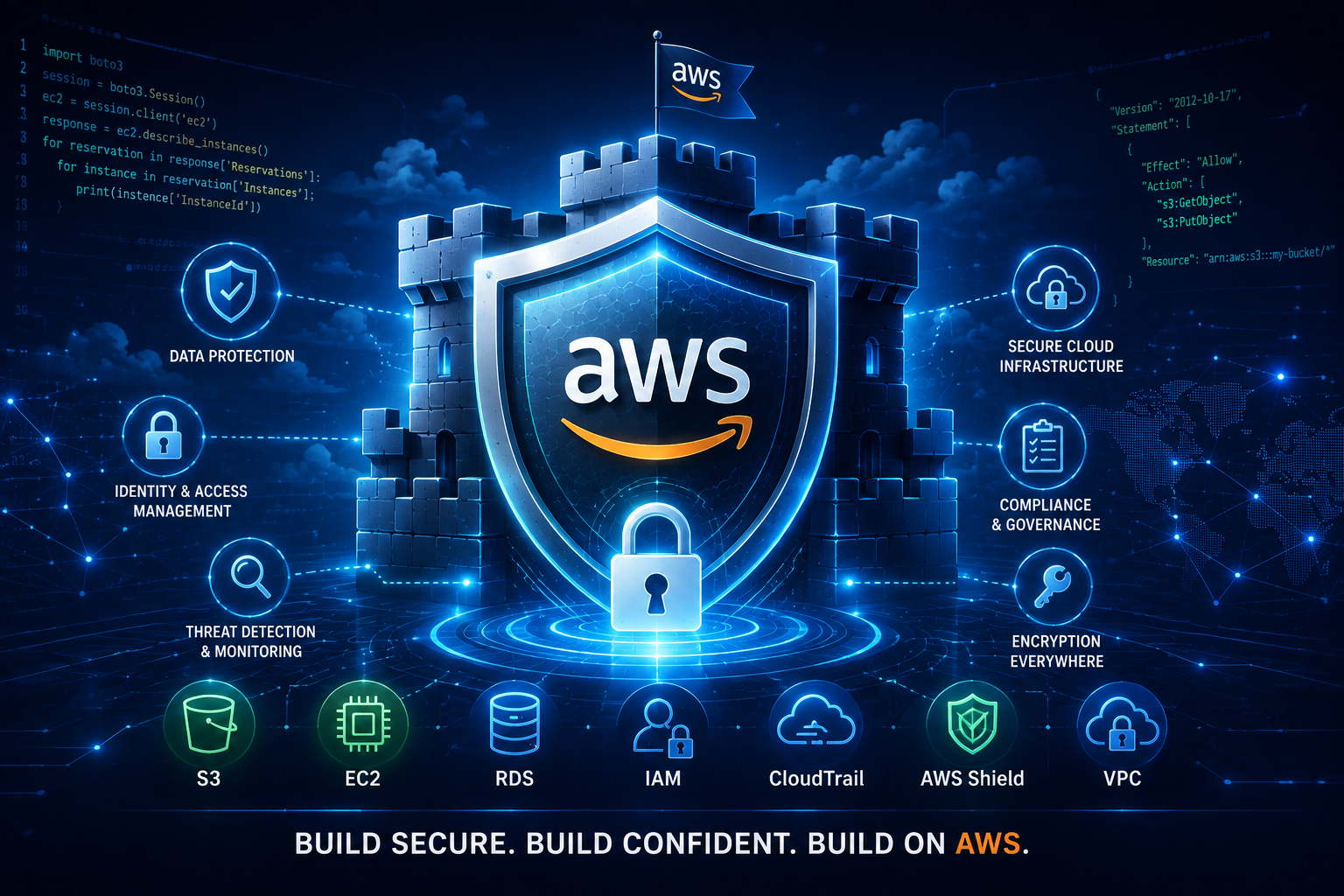
In today’s cloud-driven world, Amazon Web Services (AWS) has become the backbone for countless applications and businesses. As developers, we are tasked with not only building innovative features but also ensuring the security and integrity of the systems we create. AWS offers a robust set of tools and services to achieve this, but understanding and implementing them effectively is crucial. Security is not an afterthought; it’s a fundamental aspect of software development. This guide will walk you through 10 essential AWS security best practices that every developer must follow to build secure and resilient applications on the AWS platform.
1. Master Identity and Access Management (IAM)
Identity and Access Management (IAM) is the cornerstone of AWS security. It allows you to securely control who has access to AWS resources and what actions they can perform. For developers, this means understanding and implementing the principle of least privilege.
- Principle of Least Privilege: Grant users, groups, and roles only the permissions they need to perform their specific tasks. Avoid granting broad administrative access unless absolutely necessary.
- Use IAM Roles: Instead of embedding access keys directly into your code or configuration files, use IAM roles for applications running on AWS services like EC2 instances, Lambda functions, and containers. This significantly reduces the risk of exposed credentials.
- Strong Passwords and MFA: Enforce strong password policies for your IAM users and mandate Multi-Factor Authentication (MFA) for all privileged accounts. This adds an extra layer of security against unauthorized access.
- Regularly Review Permissions: Periodically audit and review IAM policies to ensure that permissions are still appropriate and necessary. Remove any stale or excessive permissions.
- Avoid Root User Usage: Never use the root AWS account for daily tasks. It has unrestricted access to your entire AWS account and should only be used for initial setup and specific administrative tasks.
2. Secure Your Data with Encryption
Data security is paramount, and AWS provides comprehensive encryption capabilities to protect your data both at rest and in transit.
- Encryption at Rest: Encrypt sensitive data stored in services like Amazon S3, Amazon RDS, and EBS volumes. AWS Key Management Service (KMS) is your central service for creating and managing encryption keys.
- Encryption in Transit: Use SSL/TLS to encrypt data as it travels between your users and your applications, and between different AWS services. This is typically achieved using HTTPS for web traffic and VPNs or direct connects for network connections.
- Managed Encryption Keys: Leverage AWS KMS for managing your encryption keys. It offers an auditable and scalable way to handle key management, reducing the operational burden.
- Customer-Managed Keys (CMKs): For greater control, consider using CMKs in KMS. This allows you to define access policies for your keys and rotate them as needed.
3. Implement Robust Network Security
Securing your network perimeter and controlling traffic flow is critical for preventing unauthorized access and attacks.
- Virtual Private Cloud (VPC): Use VPCs to create an isolated private network within AWS. This gives you control over your IP address range, subnets, route tables, and network gateways.
- Security Groups: Act as virtual firewalls for your EC2 instances and other resources. They control inbound and outbound traffic at the instance level. Follow the principle of least privilege by allowing only necessary ports and IP addresses.
- Network Access Control Lists (NACLs): Act as stateless firewalls for your subnets. They control inbound and outbound traffic at the subnet level. Use them in conjunction with Security Groups for layered security.
- AWS WAF (Web Application Firewall): Protect your web applications from common web exploits that could affect application availability, compromise security, or consume excessive resources.
- AWS Shield: Protect your applications from Distributed Denial of Service (DDoS) attacks. AWS Shield Standard is automatically enabled for all AWS customers, and AWS Shield Advanced offers enhanced protection.
4. Secure Your Application Code
Security vulnerabilities in your application code can be a major entry point for attackers. Developers must integrate security into the software development lifecycle (SDLC).
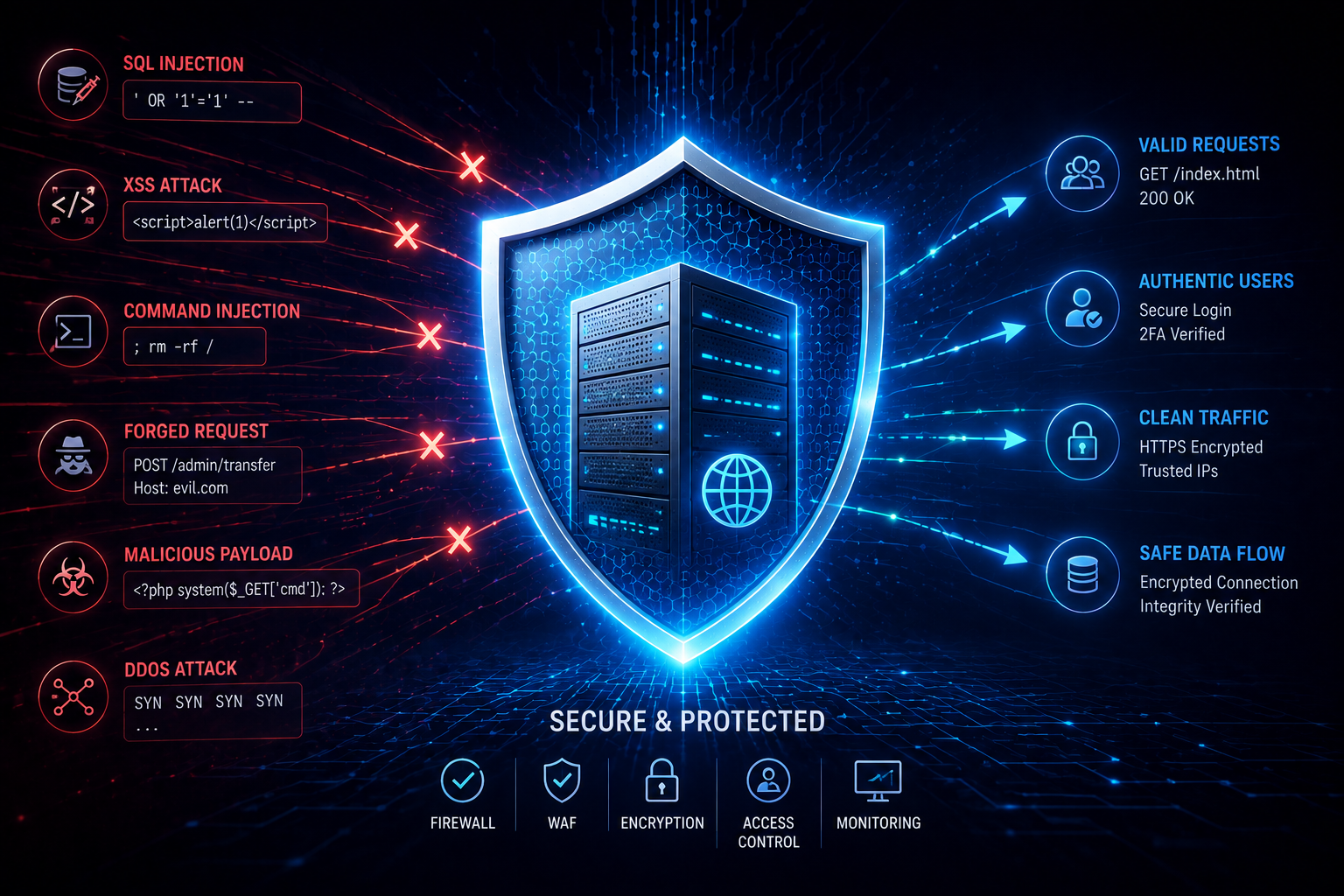
- Input Validation: Sanitize and validate all user inputs to prevent common vulnerabilities like SQL injection, Cross-Site Scripting (XSS), and command injection.
- Secure Coding Practices: Follow secure coding guidelines specific to your programming language and frameworks. Be aware of common security pitfalls.
- Dependency Management: Keep your application dependencies (libraries, frameworks) up-to-date to patch known vulnerabilities. Use tools to scan for and identify vulnerable dependencies.
- Secrets Management: Never hardcode sensitive information like API keys, database credentials, or private keys directly in your code. Use AWS Secrets Manager or AWS Systems Manager Parameter Store to securely store and retrieve these secrets.
- Regular Code Reviews: Implement peer code reviews with a focus on security. Have developers actively look for potential security flaws in each other’s code.
5. Monitor and Log Everything
Visibility into your AWS environment is crucial for detecting and responding to security incidents. Comprehensive logging and monitoring are essential.
- AWS CloudTrail: Enable CloudTrail to log all API activity in your AWS account. This provides an audit trail of who did what, when, and from where, which is invaluable for security analysis and compliance.
- Amazon CloudWatch: Use CloudWatch to monitor your AWS resources, collect and track metrics, collect and monitor log files, and set alarms. Set up alarms for unusual activity or potential security breaches.
- VPC Flow Logs: Enable VPC Flow Logs to capture information about the IP traffic going to and from your network interfaces in your VPC. This helps in network troubleshooting and security analysis.
- Centralized Logging: Consider centralizing your logs from various AWS services into a single location, such as an Amazon S3 bucket or a dedicated logging service, for easier analysis.
- Security Hub: AWS Security Hub provides a comprehensive view of your security state within AWS and helps you check your environment against security industry standards and best practices.
6. Secure Your Container Deployments
Containers are a popular way to deploy applications, but they introduce their own set of security considerations.
- Image Scanning: Scan your container images for vulnerabilities before deploying them. AWS Elastic Container Registry (ECR) integrates with vulnerability scanning tools.
- Least Privilege for Containers: Run containers with the minimum necessary privileges. Avoid running containers as the root user within the container.
- Network Segmentation: Use Security Groups and network ACLs to control network access to your containerized applications.
- Runtime Security: Implement runtime security monitoring for your containers to detect suspicious activity.
- Secure Orchestration: If using AWS Elastic Kubernetes Service (EKS) or AWS Fargate, ensure your orchestration configurations are secure.
7. Protect Your Serverless Applications
Serverless architectures, like AWS Lambda, offer significant benefits but require a different approach to security.
- Function Permissions: Grant Lambda functions only the IAM permissions they need to interact with other AWS services.
- Input Validation for Lambda: Always validate the event payloads passed to your Lambda functions.
- Secure Configuration: Ensure your Lambda function configurations are secure, including environment variables and VPC settings.
- Monitoring and Logging: Leverage CloudWatch Logs for Lambda and set up alarms for unexpected behavior.
- Dependency Security: Just like traditional applications, keep your Lambda function dependencies up-to-date and scanned for vulnerabilities.
8. Understand and Leverage AWS Well-Architected Framework
The AWS Well-Architected Framework provides a set of guiding principles and best practices across five pillars, including security. Familiarize yourself with it.
- Security Pillar: The Security pillar focuses on protecting information, systems, and assets while delivering business value through risk assessments and mitigation strategies.
- Regular Reviews: Conduct regular Well-Architected reviews of your workloads to identify areas for improvement in security and other pillars.
- Implement Recommendations: Actively implement the recommendations provided by the framework to enhance the security posture of your AWS deployments.
- Continuous Improvement: Security is an ongoing process. The Well-Architected Framework encourages a mindset of continuous improvement.
9. Plan for Incident Response
Even with the best security practices, incidents can happen. Having a well-defined incident response plan is crucial.
- Define Roles and Responsibilities: Clearly outline who is responsible for what during a security incident.
- Establish Communication Channels: Determine how your team will communicate during an incident, especially if primary communication channels are affected.
- Develop Playbooks: Create step-by-step playbooks for common incident types, such as data breaches, denial-of-service attacks, or compromised credentials.
- Regular Drills: Conduct regular incident response drills and simulations to test your plan and ensure your team is prepared.
- Post-Incident Analysis: After an incident, conduct a thorough post-incident analysis to identify lessons learned and update your incident response plan accordingly.
10. Stay Informed and Educated
The threat landscape and AWS services are constantly evolving. Continuous learning is vital for staying ahead of security risks.
- AWS Security Blog: Regularly read the AWS Security Blog for updates on new security services, features, and best practices.
- AWS Documentation: The official AWS documentation is an invaluable resource for understanding security features and configurations.
- Security Certifications: Consider pursuing AWS security certifications to deepen your knowledge and demonstrate your expertise.
- Community Resources: Engage with the AWS developer community through forums, conferences, and online groups to share knowledge and learn from others.
- Threat Intelligence: Stay aware of emerging threats and vulnerabilities that could impact your AWS deployments.
Frequently Asked Questions (FAQ)
What is the most important AWS security practice for developers?
The most important practice is mastering Identity and Access Management (IAM) and strictly adhering to the principle of least privilege. Misconfigured IAM is one of the leading causes of security breaches on AWS.
How can I secure my application code on AWS?
Secure your application code by implementing robust input validation, following secure coding practices, managing dependencies diligently, and never hardcoding secrets. Use services like AWS Secrets Manager for sensitive information.
What is the difference between Security Groups and NACLs?
Security Groups act as stateful firewalls at the instance level, controlling inbound and outbound traffic for individual EC2 instances. Network Access Control Lists (NACLs) are stateless firewalls that operate at the subnet level, controlling inbound and outbound traffic for entire subnets.
How can I monitor my AWS environment for security threats?
Leverage AWS CloudTrail for API activity logging, Amazon CloudWatch for metrics and logs, and VPC Flow Logs for network traffic analysis. AWS Security Hub provides a centralized view of your security posture.
Is it important to encrypt data in AWS?
Yes, it is critically important. Encrypting data at rest (e.g., in S3, RDS) and in transit (using SSL/TLS) is a fundamental security measure to protect sensitive information from unauthorized access.
Conclusion
Building secure applications on AWS is a continuous journey, not a destination. By diligently following these 10 AWS security best practices, developers can significantly reduce their attack surface, protect sensitive data, and build more resilient and trustworthy cloud solutions. Prioritizing security from the outset and integrating it into your development workflow will not only safeguard your applications but also build trust with your users and stakeholders.